
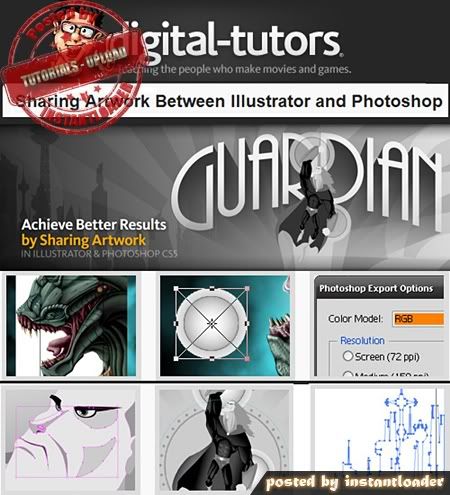
Sharing Artwork Between Illustrator and Photoshop - Digital Tutors - Tutorials
Duration:1:13 | Video:VP6F 1280x720 | Audio:MPEG Audio Layer 3 44100Hz | 332 MB
Genre: eLearning
In this collection of lessons we will learn about the different methods of moving artwork back and forth between Illustrator and Photoshop. We will get started by learning how to place files into both Illustrator and Photoshop. Next we will compare this workflow with both the copy and paste method as well as the drag and drop technique for moving artwork back and fourth. Along the way we will learn about smart objects, paths as well as shape layers and how we can work with each in Photoshop. We will also learn how Illustrator can open, import and receive pixel based artwork. To wrap things up, we will examine a workflow that will allow us to bring a layered Illustrator file into Photoshop without rasterizing our vector objects. After completing this course, you should have a good grasp over how these two powerful programs can pass artwork back and fourth to achieve top notch results on a project.

No comments:
Post a Comment